


How to Log Into Your StreamRay Account Step by Step
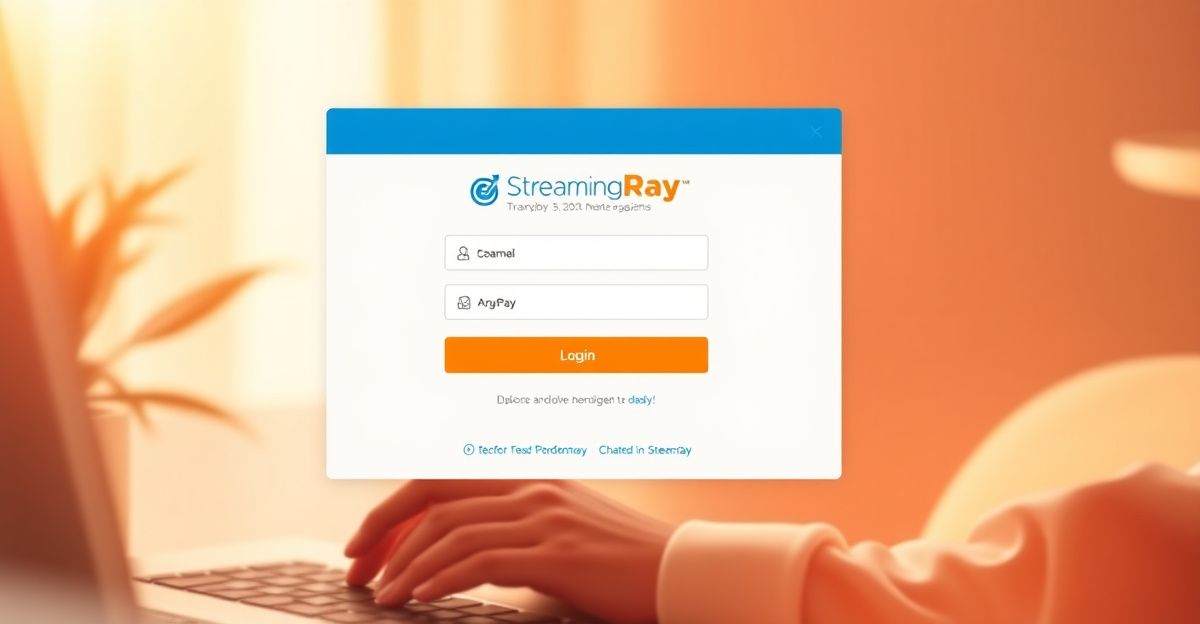
Getting into your StreamRay account should be straightforward. Head to the official Model Center login page, enter the username and password you created during StreamRay signup, and click the Login button. That is the whole process when everything is working as expected.
If you are accessing your account from a shared device or a new browser, take a moment to check that autofill has not pre-filled old or incorrect credentials. This is one of the most common reasons a login attempt fails without any obvious explanation. Typing your username and password manually, just once, can resolve that instantly.
UK users sometimes encounter an additional prompt related to age verification or regional compliance. This is normal and reflects legal requirements that apply to adult platforms operating in Great Britain. Simply follow the on-screen instructions and have your verification documents accessible if needed.
Fixing the Most Common StreamRay Login Problems
Forgotten passwords happen to everyone. The StreamRay login page includes a "forgot login" link directly below the password field. Clicking it will walk you through a reset process tied to your registered email address. If that email address is no longer active, you will need to contact support directly at [email protected] or call the studio line at (669) 208-0374.
Browser-related issues account for a significant share of login failures across cam platforms. Cookies and cached data can interfere with session handling. Clear your browser cache, close and reopen the tab, then try again. If the problem persists, try a different browser entirely. Chrome and Firefox both handle the StreamRay platform reliably for most UK users.
Account suspensions or holds are a separate category. If your credentials are correct but access is denied, your StreamRay account may be under review. This can happen if identity documents are pending re-verification or if unusual activity was flagged. The Model Center support team is the right first contact in that situation, not a password reset.
Setting Up Your Account Preferences After Logging In
Once you are inside your account, taking a few intentional steps to configure your preferences will save you time and stress later. This is especially true for payment settings, which can feel like a wall of admin on first encounter.
On a rainy Wednesday evening, spreadsheet open and three browser tabs going at once, I nearly closed everything and gave up when I first tackled my payment configuration. What helped was breaking it into three clear steps: confirming my identity documents were ready and uploaded, choosing a withdrawal schedule that matched how I actually wanted to work, and setting a minimum payout threshold that aligned with my real monthly expenses. Once I treated it as a simple checklist rather than an intimidating admin task, it took under 30 minutes. Approaching it with a growth mindset and clear boundaries around what you need financially makes the whole process feel manageable.
Cam platforms in this vertical typically pay performers between 50 and 70 percent of token value, and payout cycles run weekly or bi-weekly depending on your settings. Knowing that in advance helps you set a threshold that is realistic rather than arbitrary. A minimum payout of somewhere between 50 and 100 US dollars is common across the industry, so calibrate your threshold with that range in mind.
Staying Secure on Your StreamRay Account
Security on any adult platform matters more than many performers initially realise. Use a unique password for your StreamRay account creation that you do not reuse elsewhere. If the platform offers two-factor authentication, enable it. This single step reduces the risk of unauthorised access significantly.
Be cautious about logging in on public Wi-Fi without a VPN. Your session data can be intercepted on unsecured networks, which puts both your account access and your personal information at risk. Logging in from a private, secured connection is a basic form of self-care that is easy to overlook when you are busy.
If you ever suspect someone else has accessed your account, change your password immediately and review your payment settings for any changes you did not make. Document the date and what you noticed, then report it to StreamRay support. Keeping records of your transactions and account activity is good practice for any independent performer working in the cam industry.
Accessing StreamRay on Mobile
Many performers manage their accounts from a phone or tablet, especially for quick checks between streams. The StreamRay mobile app experience or mobile browser login follows the same credential process as desktop. The key difference is that mobile browsers sometimes store session data differently, so if your login keeps expiring unexpectedly, check your browser privacy settings and make sure cookies are not being cleared automatically after every session.
Consistent, secure access to your account is part of building a sustainable streaming practice. When login feels reliable and your settings are configured intentionally, you spend less mental energy on admin and more on the work that actually grows your presence on the platform.
Comments
No comments yet.
Leave a comment
Your email will not be shown. Comments are reviewed before they appear.